Anthropic Wins Court Order Pausing Trump Ban
Auto mode brings safer permissionless operation to Claude Code, alongside transcript search, conditional hook filters, and a native PowerShell tool preview on Windows. Those updates arrive amid a federal court ruling preserving Anthropic's government access, reports of an IPO as early as October, and surging paid consumer adoption.
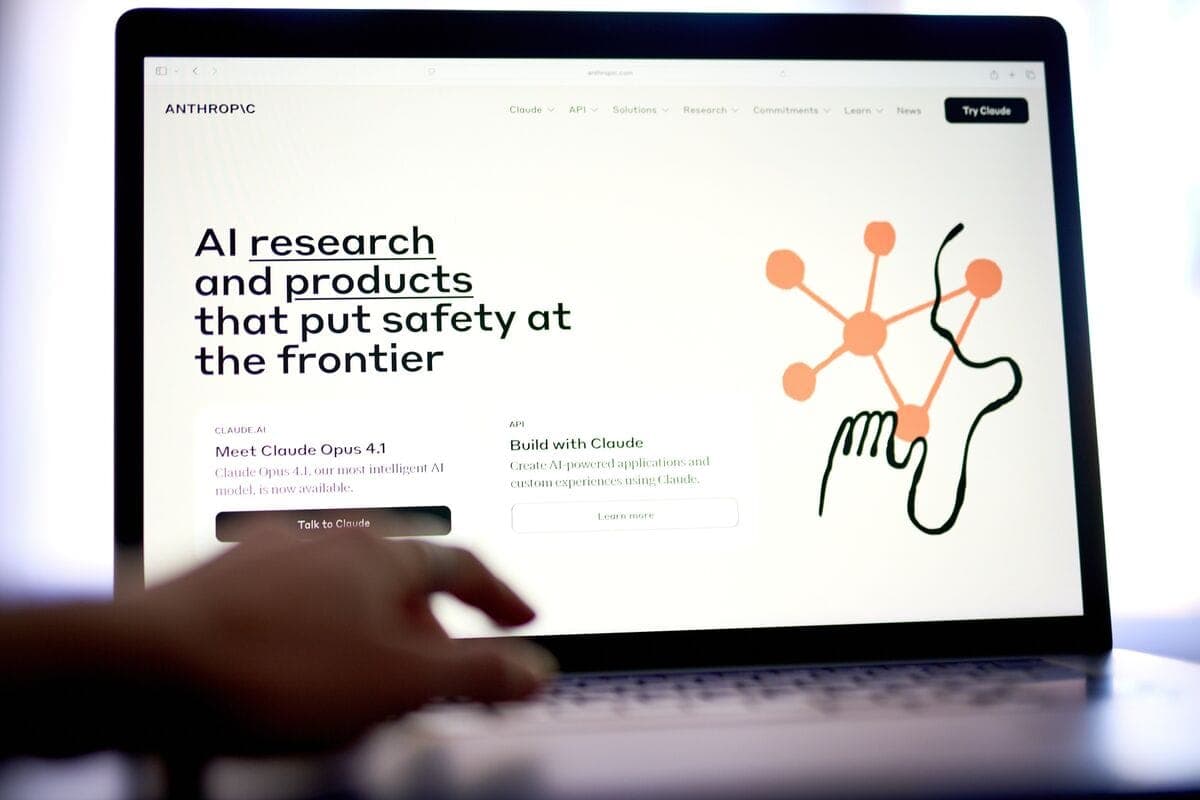
Anthropic Wins Court Order Pausing Trump Ban on AI Tool — Bloomberg
Highlight
Auto mode lets you skip permissions with built-in safeguards
Auto mode is a new permission tier that sits between the default ask-every-time behavior and fully permissionless operation. When you enable it, Claude Code evaluates each tool call against a set of safety heuristics and only prompts you for genuinely risky operations -- file deletions, broad shell commands, and the like. If your plan doesn't support it, you'll now see a clear "unavailable for your plan" message instead of a vague error. The auto mode engineering post covers the design decisions and safety model in detail.
Worth Knowing
You can now search your full transcript with keyboard shortcuts
Press Ctrl+O to enter transcript mode, then / to open a search prompt. Use n and N to step forward and backward through matches. If you work in long sessions, this replaces scrolling through hundreds of messages to find a specific tool call or code block.
Hooks gain conditional filters and new event types
You can now add an if field to hooks using permission rule syntax (e.g., Bash(git *)) so they only fire on matching tool calls, cutting unnecessary process spawning. New CwdChanged and FileChanged events let you build reactive workflows like auto-loading direnv environments. PreToolUse hooks can also now answer AskUserQuestion prompts programmatically via updatedInput, which is useful if you're building headless integrations.
PowerShell tool now available as an opt-in preview on Windows
If you work on Windows, you can now opt into a native PowerShell tool instead of routing everything through Bash. This means Claude Code can run .ps1 scripts and PowerShell-native commands directly. See the tools reference for setup details.
Team admins can now deploy policy fragments via a drop-in directory
If you manage Claude Code across teams, you can now place independent policy files in managed-settings.d/ instead of coordinating edits to a single managed-settings.json. Files merge alphabetically, so separate teams can ship their own constraints without conflicts. A new sandbox.failIfUnavailable setting also lets you enforce that sessions exit rather than silently running unsandboxed.
Token usage reduced across file reads, @ mentions, and MCP tools
Several changes trim context overhead this week. The Read tool now uses a compact line-number format and skips re-reading unchanged files. File content from @ mentions is no longer JSON-escaped, and MCP tool descriptions are capped at 2KB. If you work with large codebases or many MCP servers, you should see more room in your context window.
Under the Hood
Long-session stability: memory leaks, compaction failures, and cleanup fixes
If you run long sessions, several memory leaks have been patched -- markdown render caches, tool use ID accumulation in remote sessions, and orphaned tool result files that ignored your cleanupPeriodDays setting. /compact no longer fails with "context exceeded" on very large conversations, and compaction-triggered UI stutter is reduced.
Terminal cleanup, startup, and exit reliability improvements
Your terminal now correctly exits enhanced keyboard mode in Ghostty, Kitty, and WezTerm, so Ctrl+C and Ctrl+D work after quitting. The caffeinate process on macOS is properly killed on exit, and a hanging-on-exit bug is fixed. Startup is ~30ms faster, and --bare -p is ~14% faster to the first API request.
From Anthropic

In the News



Between auto mode, conditional hooks, and the token usage reductions, this week's releases are oriented toward letting you run longer sessions with fewer interruptions. If you haven't tried transcript search yet, Ctrl+O then / is worth building into your muscle memory.